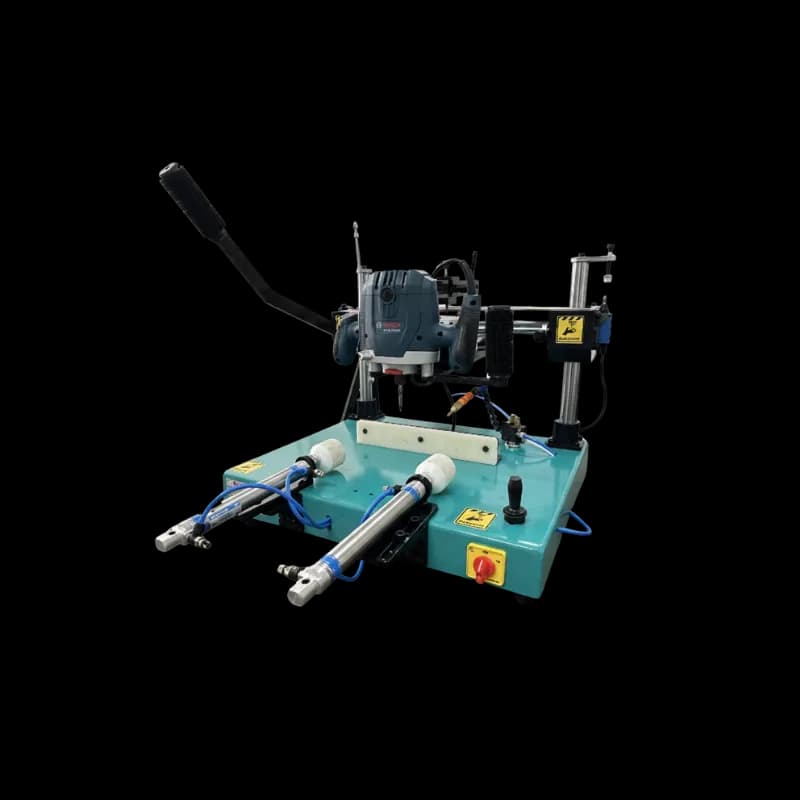
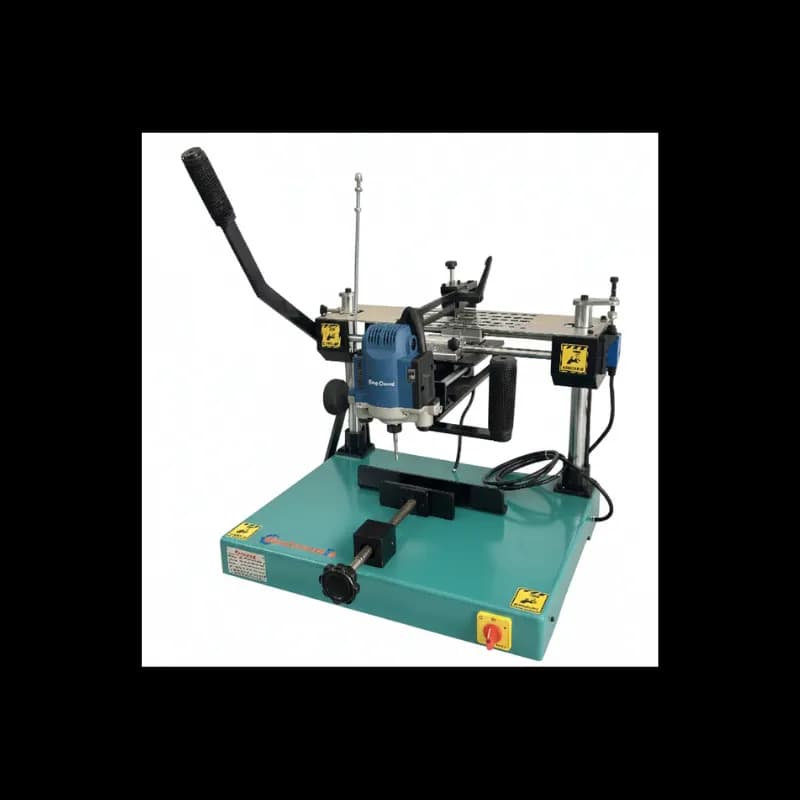
Aluminum Copy Router Maintenance Guide

Aluminum Copy Router Maintenance Guide: Ensuring Precision and Longevity
Maintaining your aluminum copy router is not just a matter of keeping it clean; it is a critical investment in the precision, safety, and longevity of your fabrication operations. At Mechnovate, we understand that a well-maintained machine is the backbone of any successful production line. This comprehensive guide will walk you through the essential maintenance protocols required to keep your copy router performing at its peak.
1. The Importance of Daily Maintenance
The environment of an aluminum fabrication workshop is inherently dusty, filled with fine aluminum chips and coolant residue. If left unchecked, these contaminants can infiltrate the sensitive moving parts of your copy router, leading to premature wear and catastrophic failure.
Daily Cleaning Routine
Every day, before the first shift begins and after the last shift ends, the machine must be thoroughly cleaned. Use compressed air to blow away aluminum chips from the work surface, the template area, and the motor housing. Pay special attention to the guide rails and the pneumatic clamping zones. Aluminum chips are abrasive; if they get trapped between a bearing and a rail, they will score the surface, leading to play in the router head and a loss of precision.
Lubrication Protocols
Lubrication is the lifeblood of mechanical movement. Follow the manufacturer manual strictly regarding the type and frequency of lubrication. Typically, the vertical and horizontal guide rails should be wiped clean and then lightly coated with a high-quality machine oil or specialized rail lubricant. Do not over-lubricate, as excess oil can attract more dust and create a grinding paste that accelerates wear.
2. Router Bit Care: The Key to Quality Slots
The router bit is the point of contact between your machine and the workpiece. Its condition directly dictates the quality of the finish and the load on the motor.
Regular Inspection
Inspect the router bit at least twice a day. Look for signs of loading where aluminum has melted onto the cutting edges. This is often a sign of insufficient cooling or an incorrect RPM setting. Also, check for chipping or dulling of the carbide tips.
Sharpening vs. Replacement
A dull bit produces poor, burred slots and forces the motor to work harder, increasing heat and the risk of burnout. While some high-quality bits can be professionally sharpened, many modern bits are designed for replacement. Maintain a strict log of cutting hours for each bit and replace them proactively. The cost of a new bit is negligible compared to the cost of a ruined aluminum profile or a motor repair.
Cooling and Lubrication during Cutting
If your machine is equipped with a pneumatic spray system, ensure the reservoir is full of the correct cutting fluid. This fluid not only cools the bit but also prevents aluminum from sticking to the flutes. If you are operating a manual machine without an integrated spray, use a manual spray bottle to apply lubricant frequently during the routing process.
3. Troubleshooting and Calibrating for Inaccuracy
Even with perfect cleaning and lubrication, mechanical systems can drift over time. Regular calibration is essential for maintaining the tight tolerances required for modern window systems.
Template Alignment
The relationship between the template and the workpiece must be perfectly parallel. If your slots are coming out slanted or off-center, check the mounting of the template. Ensure that the follower pin is not worn and that it matches the diameter of the router bit being used.
Pneumatic System Integrity
For machines with pneumatic clamping, check the air pressure daily. Most copy routers require between 6 and 8 bar of pressure. If the pressure is too low, the workpiece may vibrate or shift during cutting, leading to inaccurate slots and potential tool breakage. Inspect the air hoses for leaks and ensure the moisture trap is drained regularly.
4. Electrical and Motor Safety
The high-speed motors used in copy routers (often reaching 28,000 RPM) require careful monitoring.
Carbon Brush Inspection
If your router uses a brushed motor, check the carbon brushes every 100 operating hours. Worn brushes can cause sparking, erratic speed, and eventually damage the armature. Replace them as soon as they reach the minimum length specified by the manufacturer.
Vibration Analysis
Listen to your machine. A change in the sound or an increase in vibration often precedes a bearing failure. If the router head feels rough when moved manually, it is time to inspect the linear bearings and the motor bearings.
5. Conclusion: A Culture of Care
Maintenance is not a chore; it is a discipline. By implementing these daily, weekly, and monthly routines, you ensure that your Mechnovate copy router remains a high-precision asset for years to come. Precision in the workshop leads to perfection in the finished window, and that is what builds a reputation for quality in the fenestration industry.
For specialized technical support or to order replacement parts and high-quality router bits, contact the Mechnovate service team today.
Get more articles like this
Follow Mechnovate on Google to see our guides in Google Discover & News